iOS
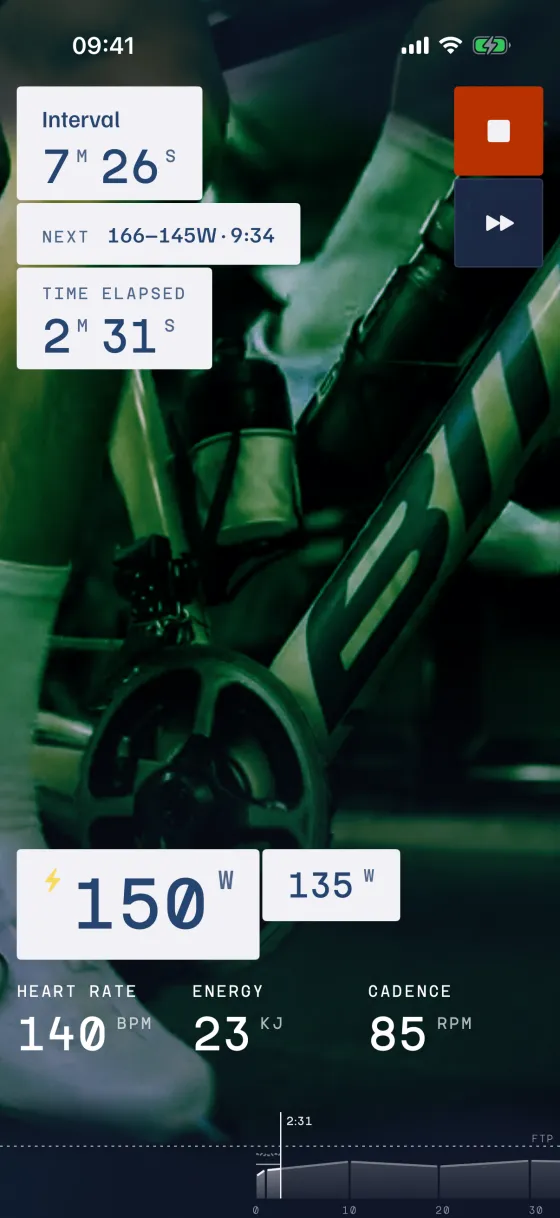
iPhone and iPad.
Straight from the App Store, like any other app.


Choose how you use Indore.
iPhone and iPad.
Straight from the App Store, like any other app.
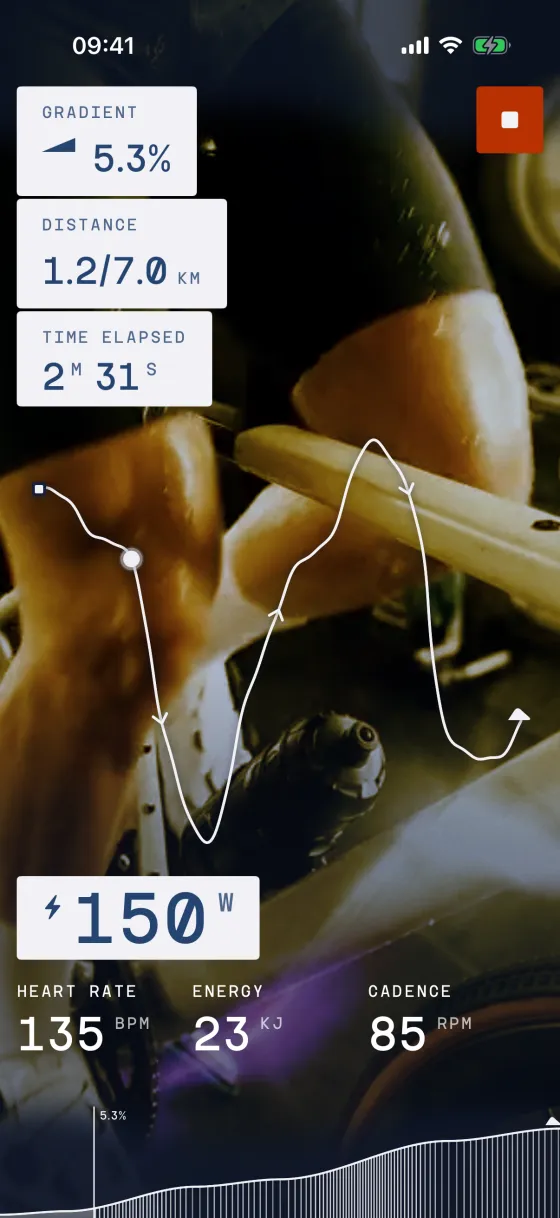
Android 8 or later.
We’re getting Indore into the Play Store. Until then it installs from a download: allow installs from your browser, then open the file. After that the app updates itself.
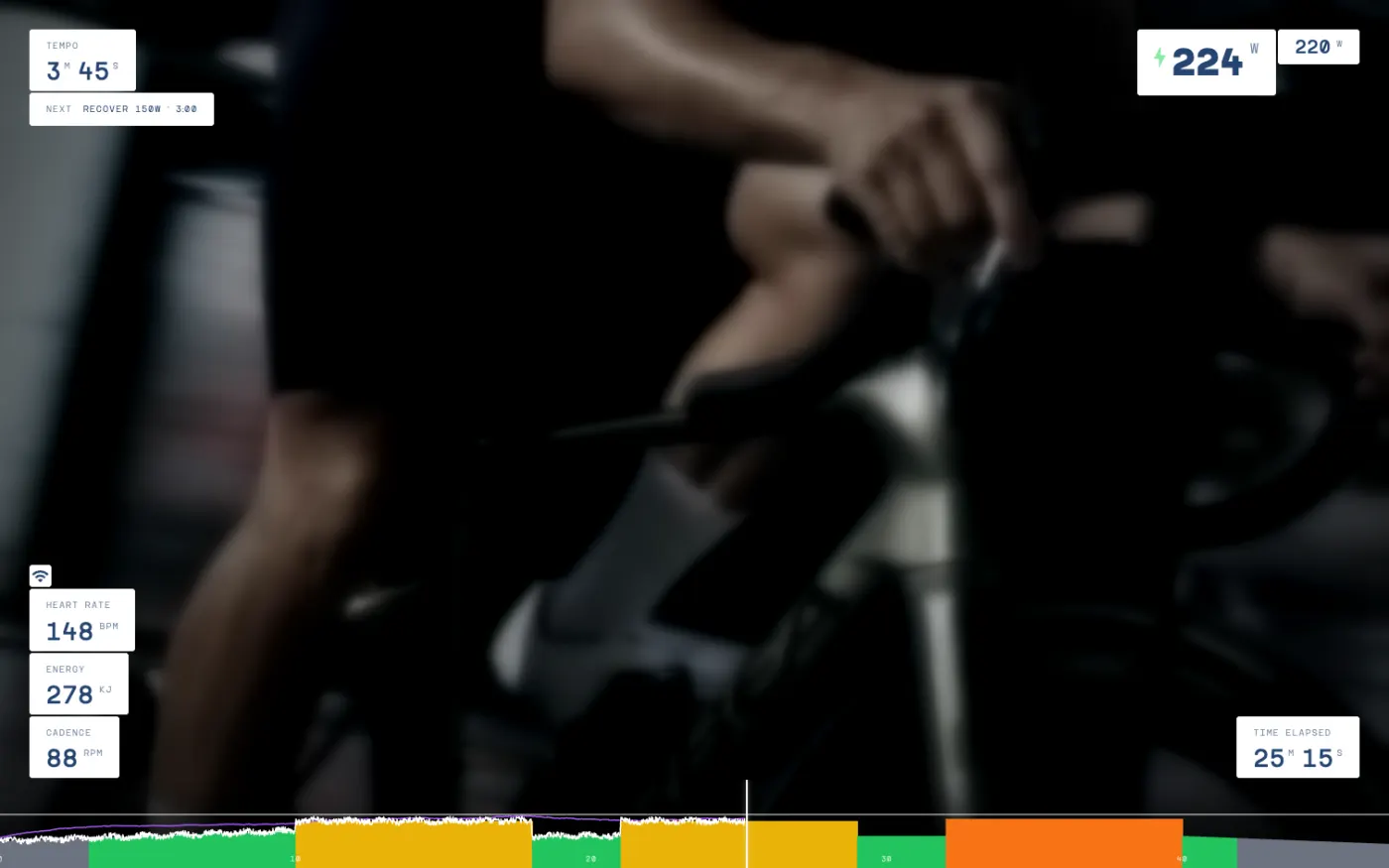
The phone or tablet apps control the ride. Computer apps are just overlays of ride metrics over whatever you have going on the big screen.
The desktop app puts your ride numbers on the big screen.
Apple silicon and Intel-based.
Once it is running it updates itself, so this is the last time you need this page.
Windows 10 and 11.
Windows may put up a blue panel about an app from an unknown publisher. That is us. Click More details, run anyway, and install.
A bike on a smart trainer with Bluetooth. Most trainers made since 2018 work. A heart rate strap and a power meter are optional.
The phone or tablet app runs the ride. Add the desktop app if you want your numbers on the big screen.
In Settings, under Devices, tap the Trainer slot. Yours shows up in a few seconds. Tap it.
Enjoy the ride.
The monthly plan, promotional offers and credits are bought here, in a browser, on the pricing page.
Pairing trouble, a trainer that will not show up, a ride that did not upload. The help page covers the ones we see most, and tells you where to write if it is not there.
Subscribe to news and stories from Indore.
We’ll email you a link to confirm. After that you can unsubscribe at any time.
Check your inbox. There’s a link in it to confirm.
You’re on the list.
You’re off the list. Nothing more from us.
That doesn’t look like an email address.
Too many tries from here. Give it an hour.
That didn’t go through. Try again in a minute.